
SecureIT Anti-theft & Security4.0 - App Store
You'll be able to see results in few seconds.
Publisher Description
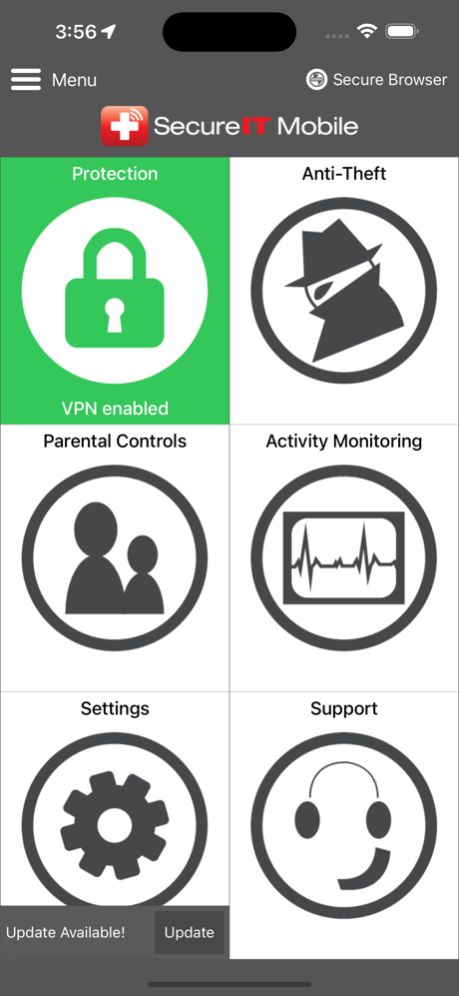
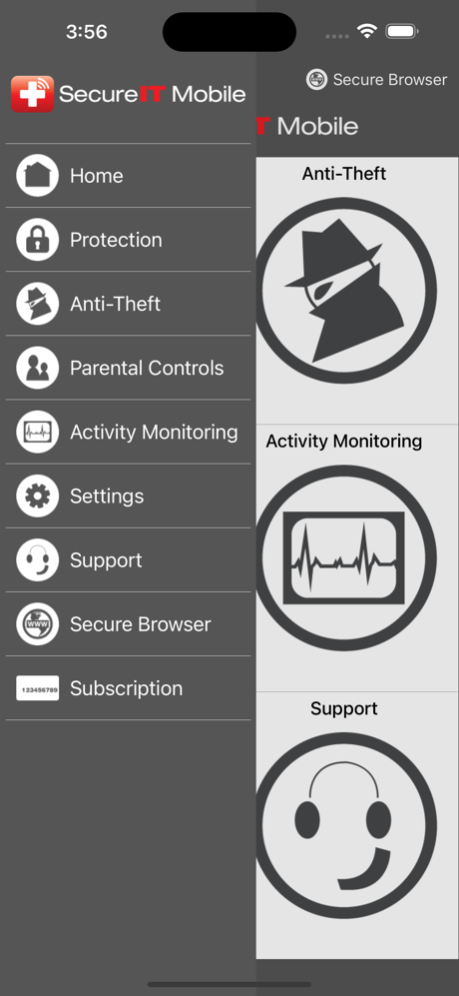
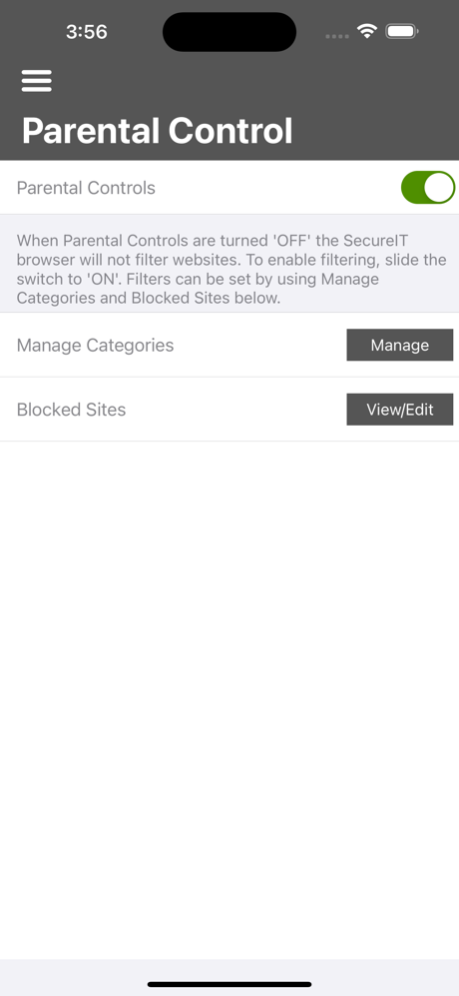
Protect your iOS device with SecureIT’s industry-leading mobile web security, parental controls and anti-theft protection app. Anti-theft features protect your phone and valuable personal data from loss or theft. You and your family can browse safely, knowing SecureIT will detect threats and alert you when you are hit with bad content or phishing schemes.
Try our Premium version with a FREE full-access, 30 day trial. If you like it after the 30 day trial, you can purchase the Premium version for just $11.99 per year.
The SecureIT One Year Subscription is an $11.99/year auto-renewable subscription that provides web security, parental controls and anti-theft protection. The payment will be charged through your iTunes account after you have completed the purchase process. The SecureIT subscription renews automatically yearly for the price of $11.99 unless the auto-renew is turned off at least 24-hours before the end of the current period. The subscription purchased may be managed and auto-renewal may be turned off by going into the settings option within the SecureIT app. In order to reactivate subscriptions that have been deactivated, you must purchase another subscription by using the in-app purchase option.
FREE TRIAL:
• Includes access to all premium features for 30 days
PREMIUM:
• Web security ensures all the sites you visit are safe with automated security alerts for mobile web pages containing malware, phishing and fraudulent content
• Our in-the-cloud scanning technology doesn’t drain batteries or slow down your phone
• 24|7|365 Midwest-based customer support.
• Anti-theft features help you protect your phone if it’s ever lost or stolen
o Find my phone - Find your lost phone using built in geolocation functions
o Remote Lock - Can’t find your lost or stolen device? Use the remote lock function to disable it
o Wipe Your Device - Think your device has been stolen? Use the wipe function to completely erase your data, protecting your identify and your personal privacy
o Theft Alarm - Send an alert tone to the device that sounds, even if it’s on silent mode
• Parental Controls make sure your children are browsing safely. Easy to use controls let you manage access to web categories or even individual sites that you feel are unsuitable for underage children
• Event viewer keeps a log of your SecureIT activity
Visit our website at www.securitycoverage.com for our full Getting Started Guide, How-To Guides and Frequently Asked Questions.
Jun 10, 2024
Version 4.0
Added Ability to unmask & mask password fields during setup.
Added ability to reset parental controls categories back to default.
Bug Fixes.
About SecureIT Anti-theft & Security
The company that develops SecureIT Anti-theft & Security is SecurityCoverage, Inc.. The latest version released by its developer is 4.0.
To install SecureIT Anti-theft & Security on your iOS device, just click the green Continue To App button above to start the installation process. The app is listed on our website since 2024-06-10 and was downloaded 0 times. We have already checked if the download link is safe, however for your own protection we recommend that you scan the downloaded app with your antivirus. Your antivirus may detect the SecureIT Anti-theft & Security as malware if the download link is broken.
How to install SecureIT Anti-theft & Security on your iOS device:
- Click on the Continue To App button on our website. This will redirect you to the App Store.
- Once the SecureIT Anti-theft & Security is shown in the iTunes listing of your iOS device, you can start its download and installation. Tap on the GET button to the right of the app to start downloading it.
- If you are not logged-in the iOS appstore app, you'll be prompted for your your Apple ID and/or password.
- After SecureIT Anti-theft & Security is downloaded, you'll see an INSTALL button to the right. Tap on it to start the actual installation of the iOS app.
- Once installation is finished you can tap on the OPEN button to start it. Its icon will also be added to your device home screen.
Program Details
System requirements
Download information
Pricing
Version History
version 4.0
posted on 2024-06-10
Jun 10, 2024
Version 4.0
Added Ability to unmask & mask password fields during setup.
Added ability to reset parental controls categories back to default.
Bug Fixes.
version 3.1
posted on 2023-06-28
Jun 28, 2023
Version 3.1
Bug Fixes
version 3.0
posted on 2023-03-22
Mar 22, 2023
Version 3.0
Addition of Delete Account Functionality
Implemented a What's New Screen
Added Hamburger Menu Navigation
Added 3rd Party Browser Support
version -
posted on 2021-01-14
version 2.5
posted on 2018-06-21
Jun 21, 2018 Version 2.5
This app has been updated by Apple to use the latest Apple signing certificate.
Optimized for iPhone X
Added verbiage when purchasing yearly subscription
Minor bug fixes
version 2.5
posted on 2018-06-21
Jun 21, 2018 Version 2.5
Optimized for iPhone X
Added verbiage when purchasing yearly subscription
Minor bug fixes
version 2.5
posted on 2018-06-21
Jun 21, 2018 Version 2.5
This app has been updated by Apple to display the Apple Watch app icon.
Optimized for iPhone X
Added verbiage when purchasing yearly subscription
Minor bug fixes
version 2.5
posted on 1970-01-01
21 июня 2018 г. Version 2.5
Optimized for iPhone X
Added verbiage when purchasing yearly subscription
Minor bug fixes
version 2.5
posted on 1970-01-01
21 de jun. de 2018 Version 2.5
Optimized for iPhone X
Added verbiage when purchasing yearly subscription
Minor bug fixes
version 2.5
posted on 1970-01-01
2018年6月21日 Version 2.5
Optimized for iPhone X
Added verbiage when purchasing yearly subscription
Minor bug fixes
Disclaimer
Official App Store Link
We do not host SecureIT Anti-theft & Security on our servers. We did not scan it for viruses, adware, spyware or other type of malware. This app is hosted by Apple and passed their terms and conditions to be listed there. We recommend caution when installing it.
The App Store link for SecureIT Anti-theft & Security is provided to you by apps112.com without any warranties, representations or guarantees of any kind, so access it at your own risk.
If you have questions regarding this particular app contact the publisher directly. For questions about the functionalities of apps112.com contact us.
